Lift heavy, run far, and keep everything in one place
Log barbell sets and runs in one place, plan your week, and see what you skipped. Connect the AI you already use, Claude, ChatGPT or Gemini, to read and edit your training.
Opens in your browser. Add it to your home screen to install; on iPhone, use Safari.
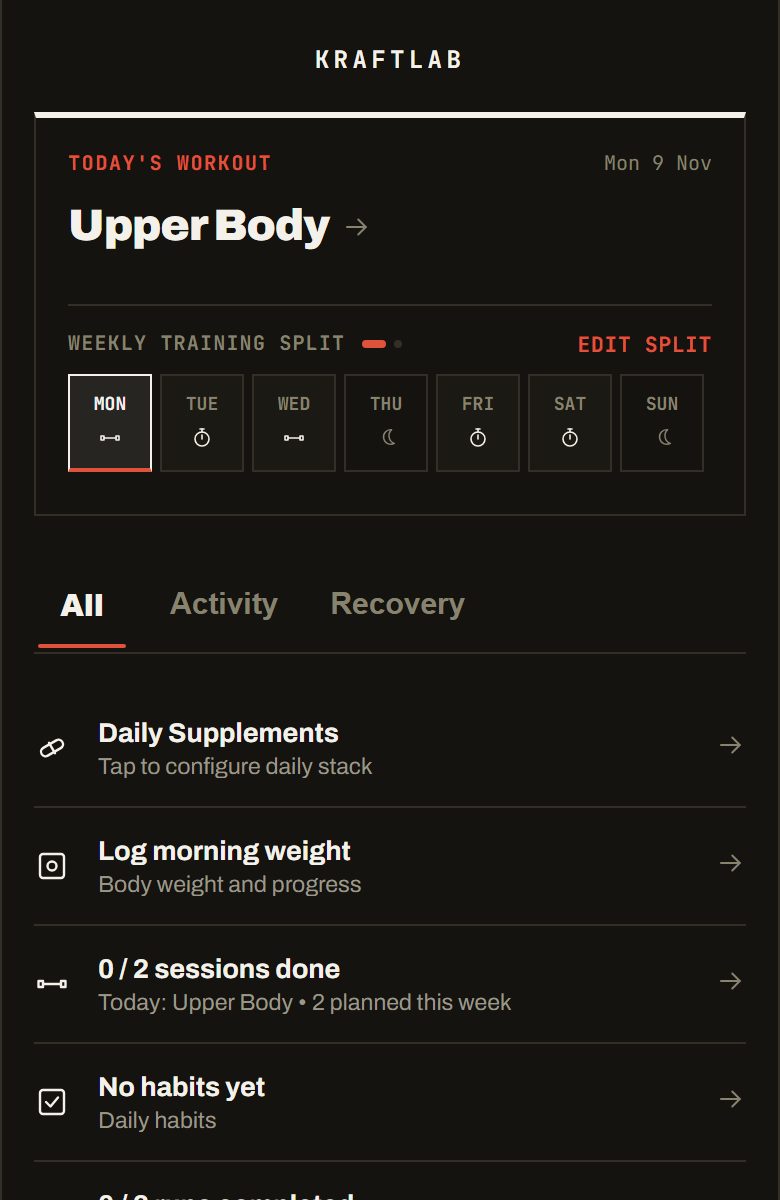
What is Kraftlab?
Kraftlab is a training app for hybrid athletes, people who lift weights and run in the same week. It logs your gym sets and your runs in one place, imports runs from Strava, keeps a weekly plan that shows which sessions are still open, and lets you connect Claude, ChatGPT or Gemini to read your training.
Tired of juggling three different apps?
If you train both strength and endurance, you probably deal with this every week:
Kraftlab puts your whole training week in one simple dashboard.
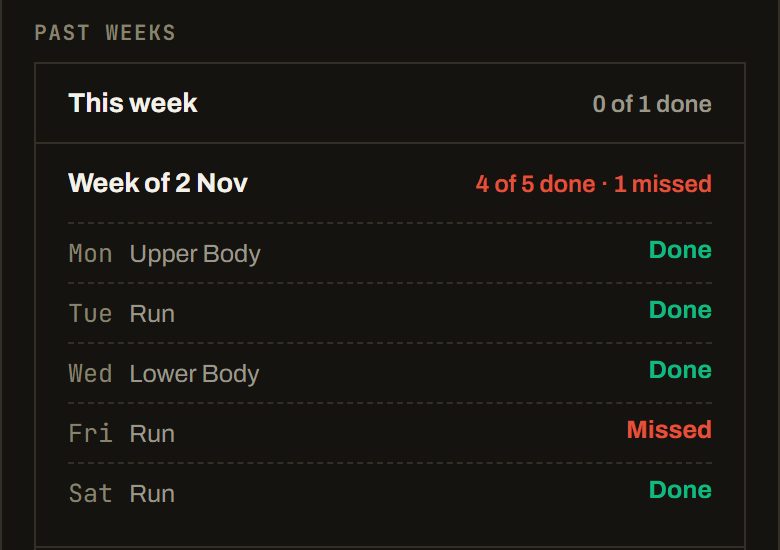
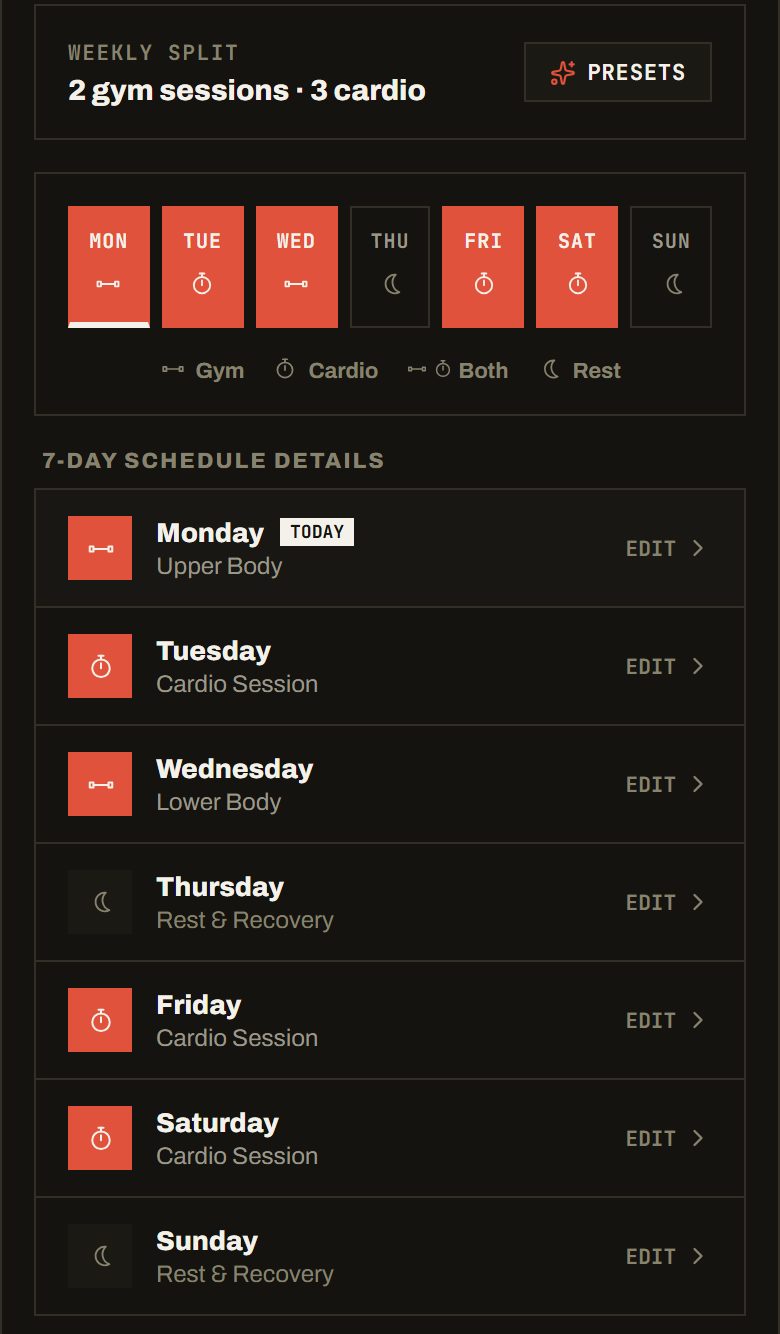
Gym and runs in one week. Misses stay on the record.
Plan your lifting and your running on one 7-day schedule. Once a day has passed, Kraftlab keeps what was planned and what you did, so a skipped session does not quietly disappear.
- Each past day shows as done, moved, partly done or missed.
- Changing your schedule later never erases an old miss.
Your AI coach is the AI you already use
Connect Claude, ChatGPT or Gemini to Kraftlab. It can read your training, log sessions and edit your plan. No extra cost from Kraftlab.
- Claude
- ChatGPT
- Gemini
You decide what it can do
At sign-in you choose: see your training, log sessions, edit your plan. Every change it makes is logged in the app and can be undone there. Disconnect it any time.
Set up in the app under Profile, AI Coach. Claude works on the free plan. ChatGPT needs a paid plan with Developer mode.
Try asking
- “How’s my week going?”
- “Build me a 4-day upper/lower split.”
- “Move Friday’s long run to Saturday.”
- “Log a 6 km easy run, 32 minutes.”
How Kraftlab works
Three core modules built into one fast offline app. Click any module below to explore its features.
Fast set logging and 1,300+ exercises
Log weight, reps, and RPE with zero lag. Includes automatic rest timers, 1RM calculations, and your previous session numbers right on screen.
- 1,300+ exercises by muscle group and equipment, plus your own
- Warm-up, drop and failure sets, with PRs tracked automatically
- Search by name, muscle group or equipment
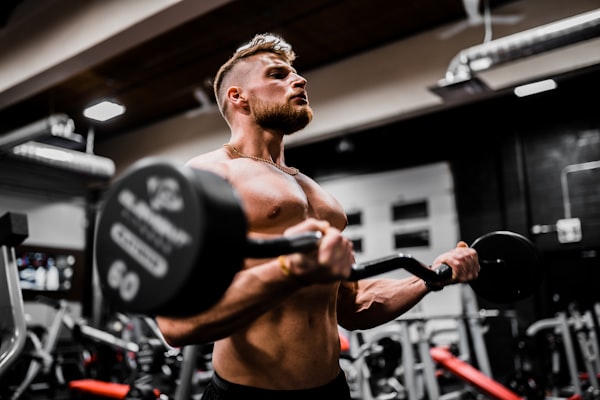
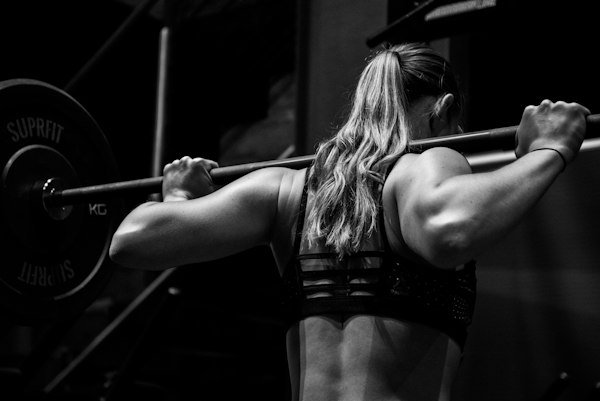
Why I built Kraftlab.
I was juggling three different apps every week: a gym app for sets, a running app for miles and Strava, and a habit tracker.
None of them talked to each other, making it frustrating to balance heavy lifting with endurance training.
I built Kraftlab to keep things simple: log your lifts, track your running miles, and focus on your training.
Built for real training
No bloated feeds, no ads. Just the tools that make logging faster.
Offline First PWA
Save it directly to your phone home screen. Works completely offline in basement gyms or remote trails with zero mobile service.
Your data, no ads
No ads, no social feed, no selling your data. The app counts which features are used with PostHog on EU servers. Session recordings are off, and your workouts, weights and distances are never sent. This website sets no cookies and has no analytics.
Add Kraftlab to your phone
Kraftlab is a PWA. No App Store needed. Install it directly from your browser in seconds and use it like a native app, even offline.
iPhone (iOS)
- 1Open Safari and go to app.kraftlab.app
- 2Tap the Share button at the bottom of the screen
- 3Scroll down and tap Add to Home Screen
- 4Tap Add and you are done. Kraftlab opens like a native app.
Must use Safari on iPhone. Chrome on iOS does not support PWA install.
Android
- 1Open Chrome and go to app.kraftlab.app
- 2Tap the three dots menu in the top right corner
- 3Tap Add to Home screen or Install app
- 4Confirm by tapping Add. Kraftlab installs instantly.
Works on Chrome, Edge, and most Chromium browsers on Android.
Frequently asked questions
Short answers about syncing, offline use and your data.
Most workout trackers only care about lifting weights and ignore your cardio and recovery completely. Kraftlab is built for hybrid athletes: you get fast set logging with 1,300+ exercises, automatic Strava sync for your runs, and one 7-day schedule for both lifting and running.